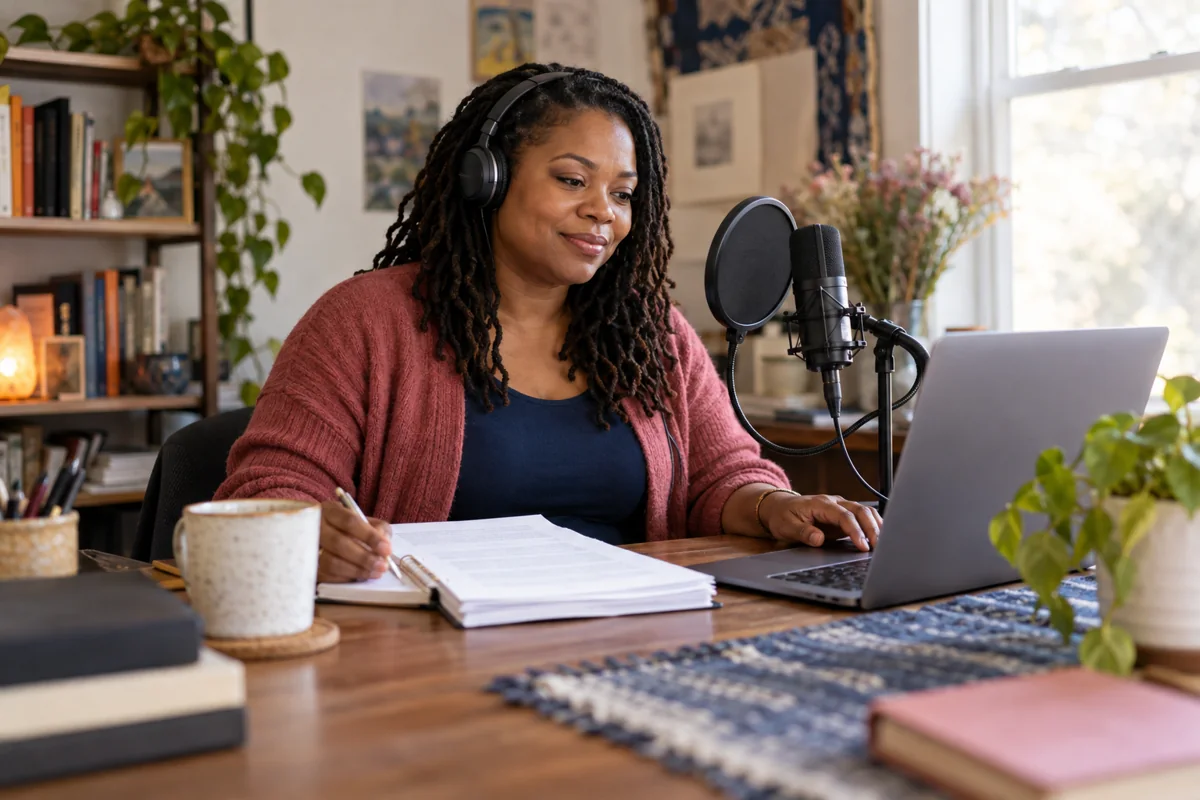
 01 · Manuscript & audiobook
TCBSW Publishing
Upload and proof your manuscript, organize chapters, choose a narrator, test narration, review takes, and prepare your audio files for export.
Open the audiobook toolOpens the Make audiobook workspace.
 TCBSWGrow. Connect. Thrive.
Bring your manuscript and your voice together. Choose a tool below to begin or continue your book.
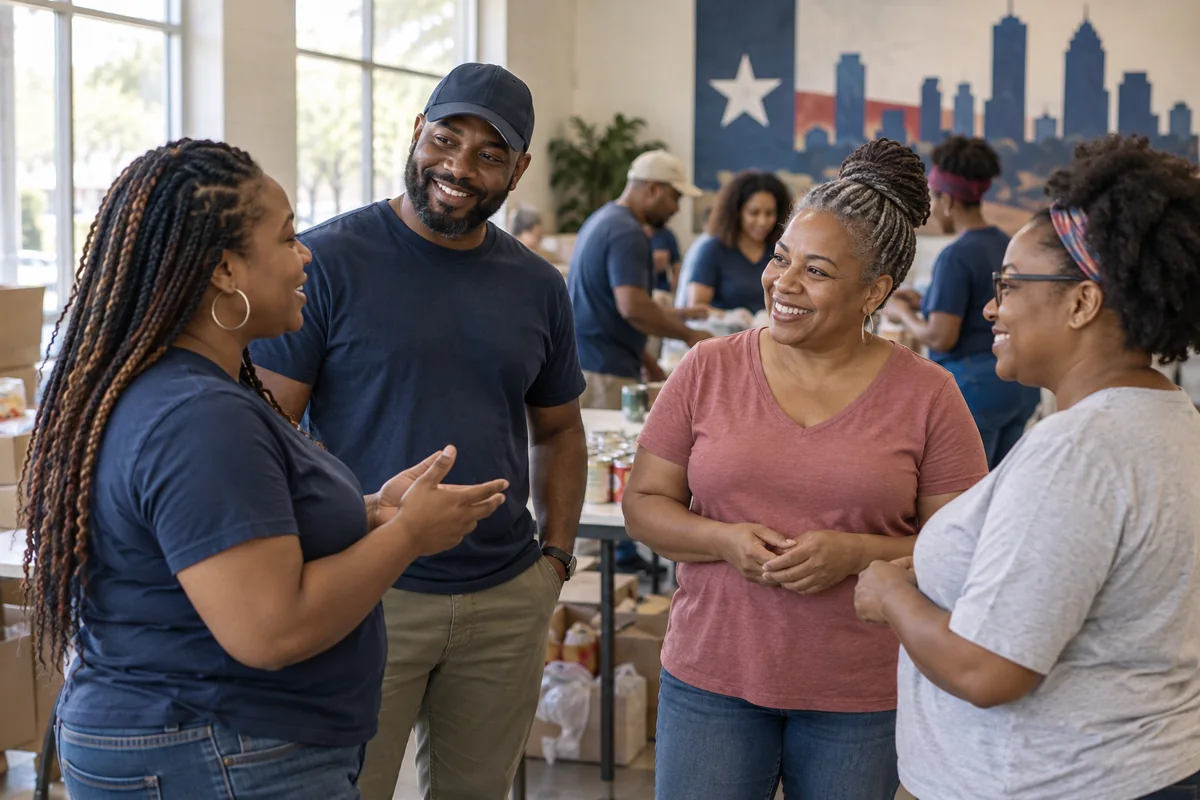
Illustrative images created for TCBSW; they do not depict actual participants or staff.
A silent, captioned visual introduction to stories worth sharing. Use the player controls to start, pause, or view it full screen.
01 · Manuscript & audiobookUpload and proof your manuscript, organize chapters, choose a narrator, test narration, review takes, and prepare your audio files for export.
Open the audiobook toolOpens the Make audiobook workspace.
 02 · Voice preparation
Use the voice tools inside TCBSW Publishing to record or upload a sample, document permission, choose an available voice, and listen to a short test.
Open voice toolsOpens Voice & test in the audiobook workspace. For recordings and permissions, open the voices desk below.
Open Voices & rightsBefore recordingCheck recording and playback before preparing your voice sample.
Test microphone & playbackRead the voice recording policyYour path through the toolsThe voice tools and audiobook workspace are connected inside TCBSW Publishing, so you can work on your manuscript and narration in the same place.
Use writing and voice recordings you own or have permission to use. The publishing tools require authorized access. Sign in with an approved account; contact TCBSW if you need access. Narration needs the connected Windows voice engine; entering this portal does not start a recording or generate audio.
Exporting a book does not automatically publish it or guarantee acceptance by a retailer. Review the destination’s requirements before submitting.
Contact TCBSW for author support or accessConnect with TCBSW about programs, resources, and ways to get involved.